Downloading Typeech...
Your download should start automatically. If it doesn't, click here.
Standard Security Check
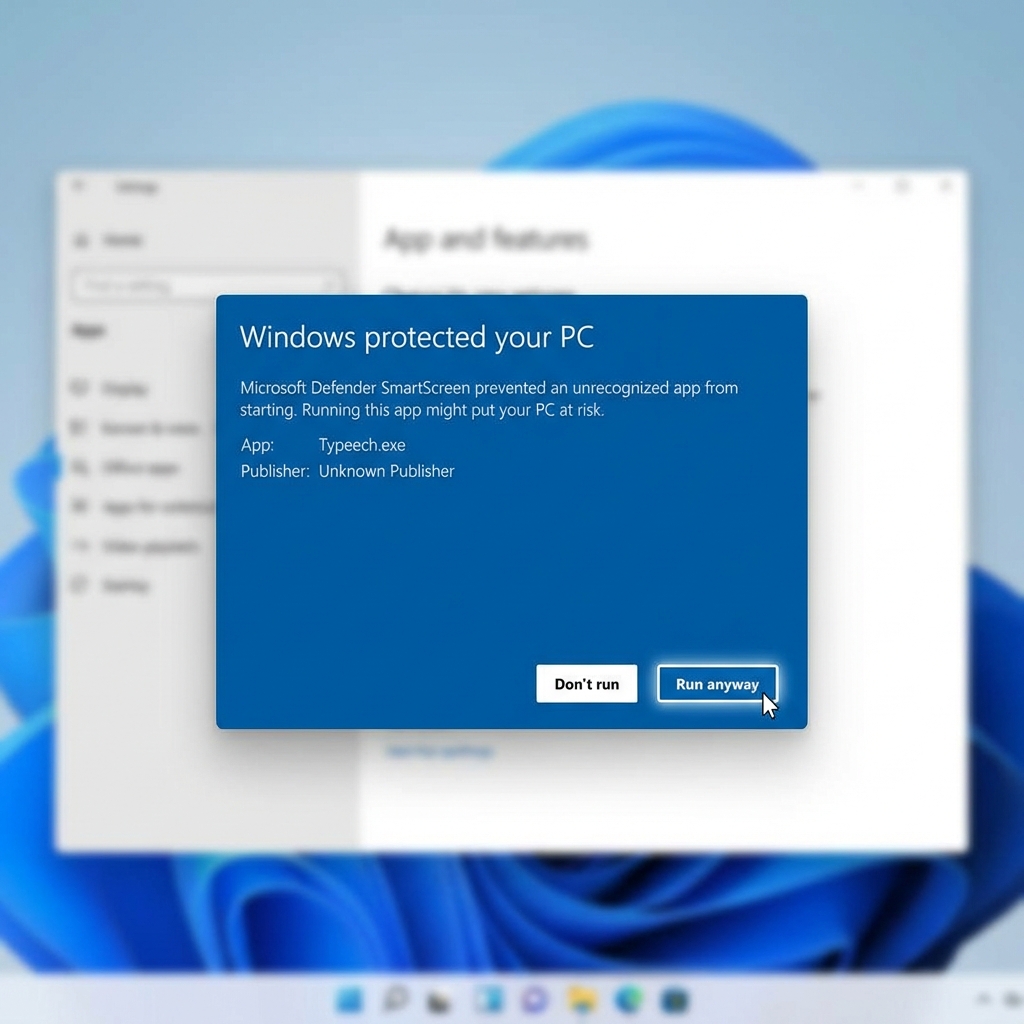
You're one of the first to install this version! Windows might flag it as "unrecognized" simply because it's new. It's completely safe and standard for new updates.
3 Simple Steps to Unlock Productivity
1 Open the Installer
Locate Typeech-Setup-2.0.0.exe in your downloads folder. Double-click it to start your journey to 3x faster writing.

2 Click "More Info"
Seeing a blue window? That's great! It means Windows Defender is working. Since this is a fresh release, it just needs your permission to trust us.
Simply click More info to proceed.
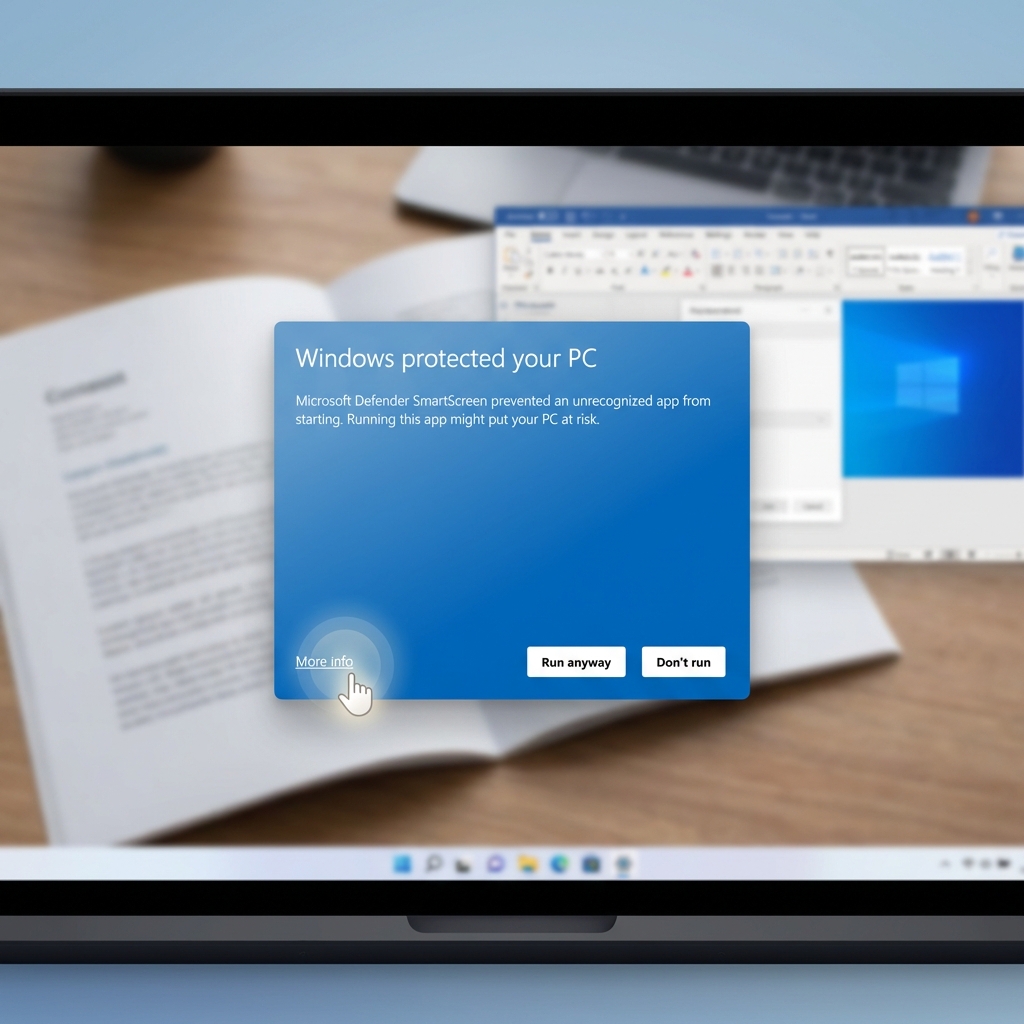
3 Click "Run Anyway"
You're almost there. Click Run anyway to finalize the installation.